Home / Features / Google Sheets expense sync
Google Sheets expense sync
Your money book lives in your Google Drive. The Android app is the fast front-end; Sheets is the durable ledger.
- Auto-creates a Kharch Log folder and spreadsheet
- Only the files Kharch Log creates for you, not your whole Google Drive
- Open on web, pivot, export CSV/PDF, or share the sheet
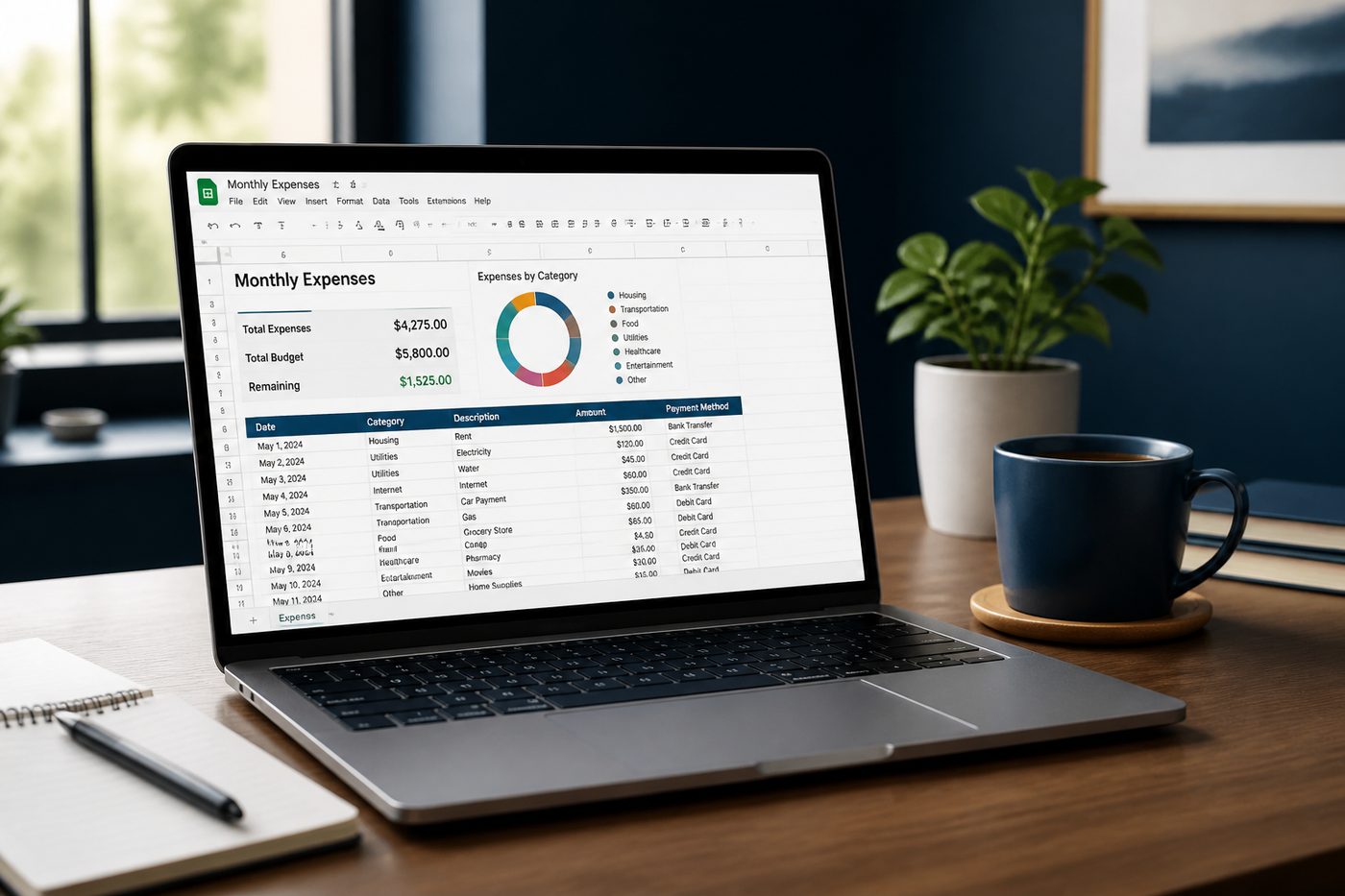
Quick answer: Every expense Kharch Log saves becomes a row in a Google Sheet you own in Drive - create, export, pivot, and share without a vendor lock-in vault.
Your spreadsheet is the system of record
Fast Budget offers online storage on premium tiers; FinArt organises spending inside its app. Kharch Log inverts that: the Android app is the capture layer, Google Sheets is the durable ledger - the model FinArt's comparison table admits spreadsheets are "customisable but difficult to maintain daily." Kharch Log automates capture and still leaves you the Sheet.
How Google Sheets sync works
- Sign in with GoogleOne-time OAuth links Kharch Log to your Google account - no separate Kharch Log password.
- Folder & spreadsheet createdKharch Log creates a dedicated folder and structured spreadsheet in your Drive.
- Every entry syncsManual, voice, and approved SMS rows append automatically.
- Use anywhereOpen the same Sheet in a browser, Excel export, or share read access with family.
Sheets ownership without daily spreadsheet pain
People search for "expense tracker Excel template" because they want control. Kharch Log gives you a live Sheet without retyping every UPI alert - capture in the app, analyse in Sheets.
App + Sheet split
Fast entry on phone; heavy analysis on desktop - each tool does what it is best at.
Backup by default
Google Drive versioning and your Google account security protect the ledger.
You own the file
Stop using Kharch Log anytime - history stays in your Google account.
Limited Drive access
Kharch Log can use only the files it creates, not your entire Drive.
Household visibility
Share the Sheet with a partner; everyone sees the same ledger without a family subscription.
Pivot & chart
Build month-over-month views, category pivots, and tax summaries in Sheets.
CSV & Excel export
Download .xlsx or .csv for accountants or archival.
No premium paywall for export
Unlike tiered budget apps, your data is always in an open format you control.
How Kharch Log compares
| Option | What it gives you | Where Kharch Log helps |
|---|---|---|
| Closed budget app | Easy start, but history trapped if you leave. | Sheet in Drive - portable forever. |
| Manual Google Sheet | Full control, zero automation. | Kharch Log fills rows; you keep the workbook. |
| Fast Budget cloud tier | Data on AppFer servers with subscription. | Data in your Google Drive under your account. |
| FinArt internal ledger | Rich app reports and budgets inside FinArt. | Kharch Log: app for capture, Sheets for ownership and custom reports. |
Common questions
Can I use an existing spreadsheet?
Kharch Log creates a dedicated sheet by default; you can copy rows into any workbook.
Does Kharch Log read my other Drive files?
No - only files it created under the limited scope.
What if I delete the app?
Your Google Sheet remains with every synced row.
Can two people log to one Sheet?
Share the Sheet via Google Drive; each person can use Kharch Log on their phone.
Is internet required?
Sync needs connectivity; manual entry can queue until online depending on device state.
How is this different from Fast Budget web app?
Fast Budget hosts data on their platform; Kharch Log uses your Google Sheet as the database.