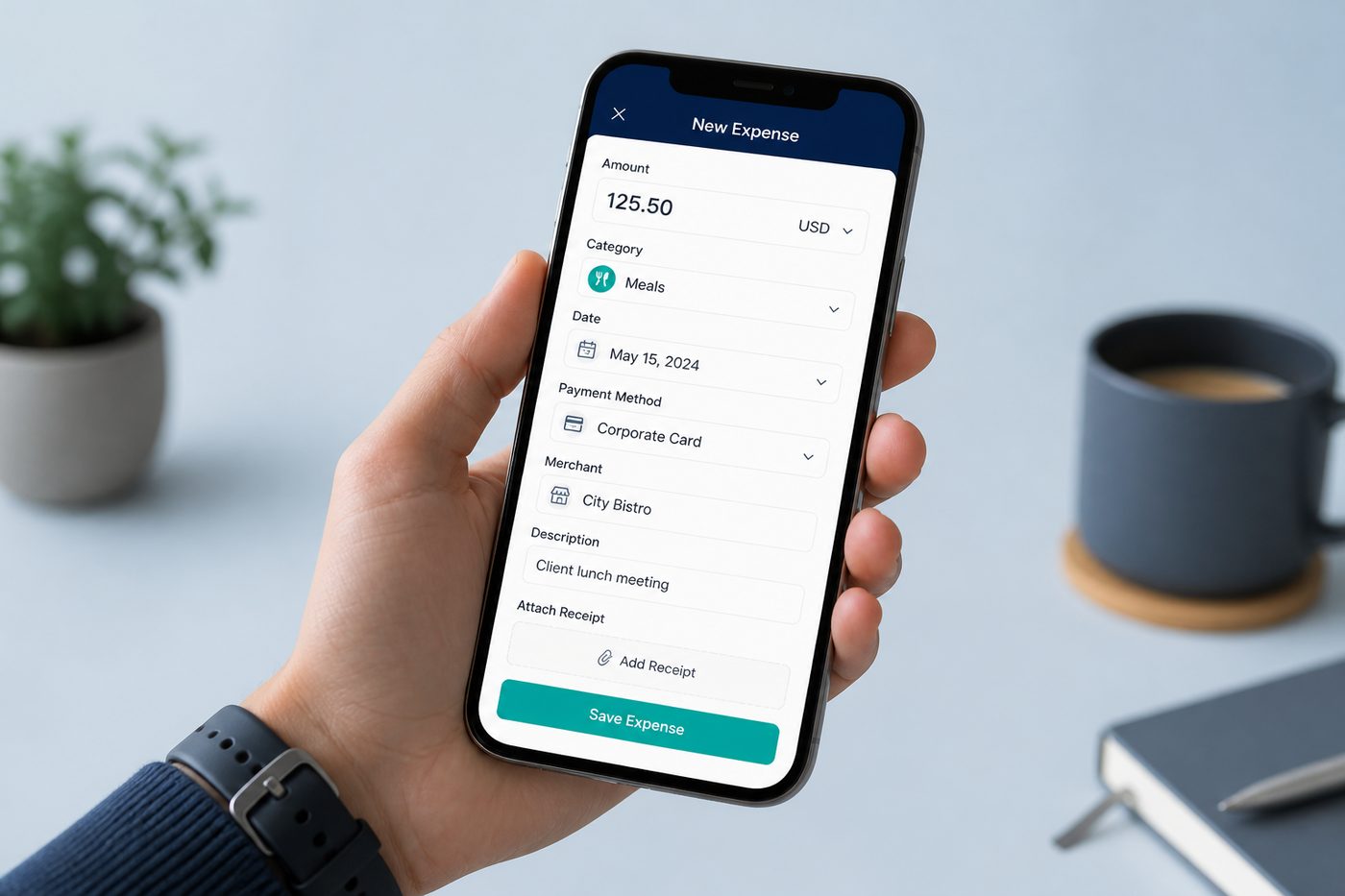
Manual & voice entry
Add amount, category, payment mode, payee, and notes in seconds - or speak the expense and save.
Your money book
The best free expense tracker for Android in India - log daily kharch & personal spending, super simple setup, UPI/bank SMS auto-capture, and every rupee in your Google Sheet.
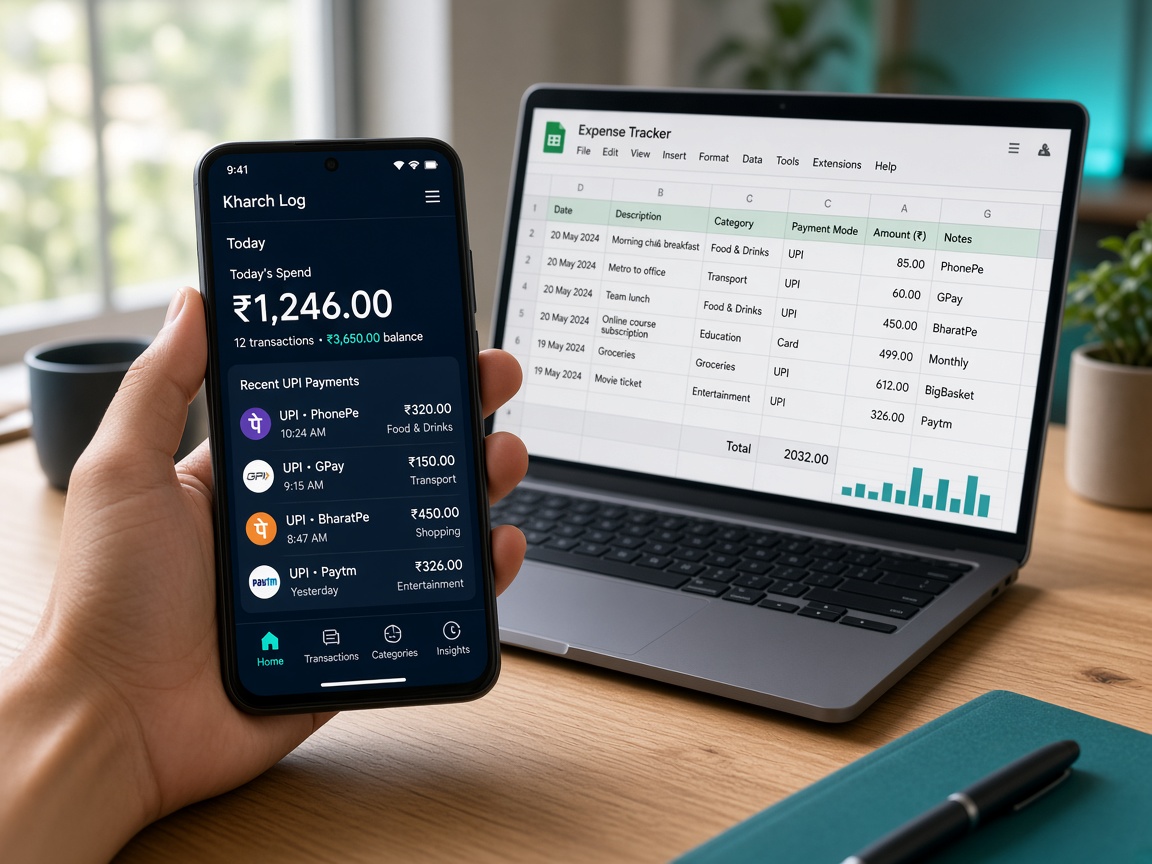
Simple on the phone. Full control in your spreadsheet. Same idea as all-in-one business tools - focused only on personal money.
Add amount, category, payment mode, payee, and notes in seconds - or speak the expense and save.
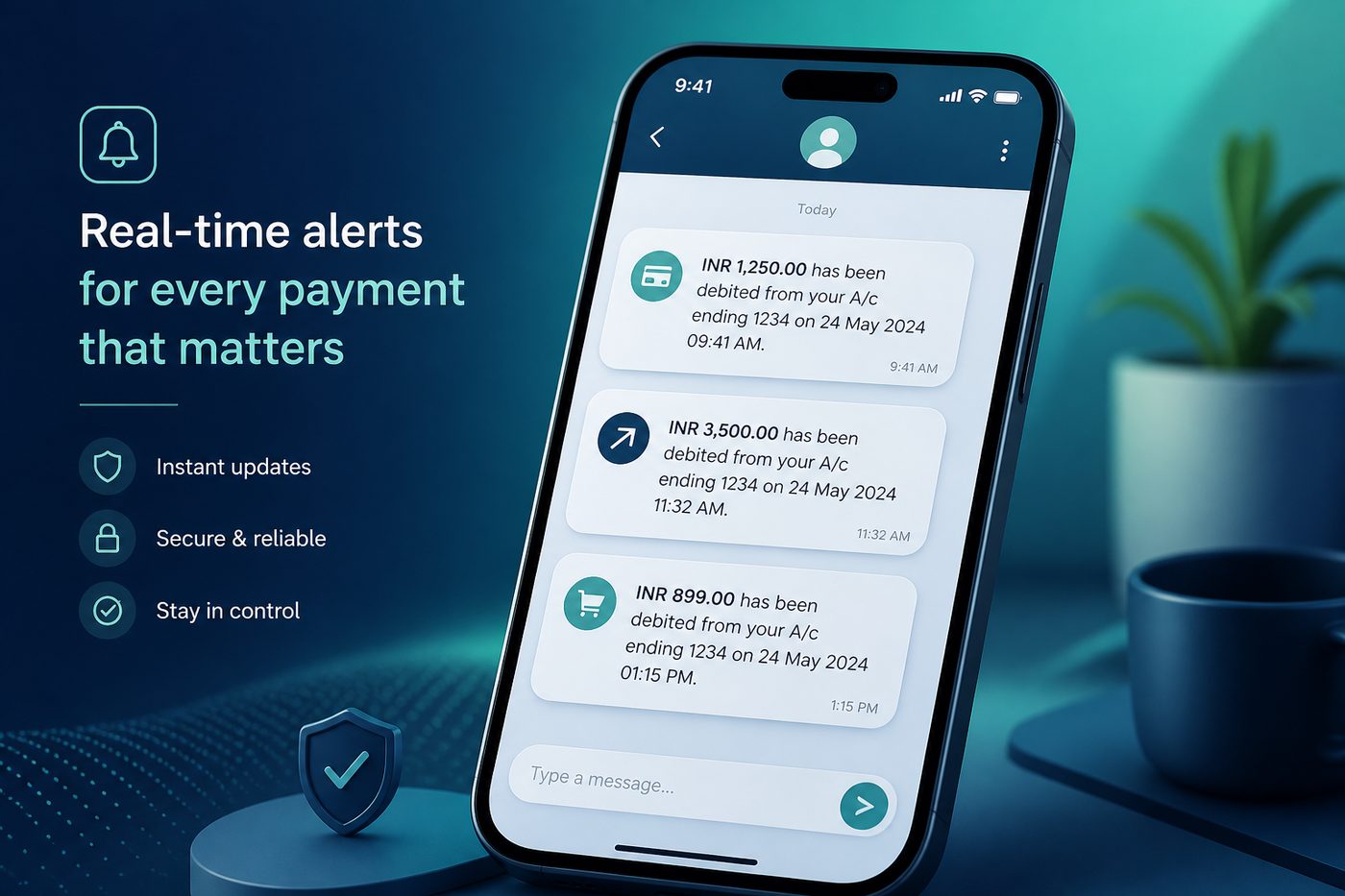
SMS permission is required to parse common Indian debit and credit messages. You stay in control of approvals in the review inbox.
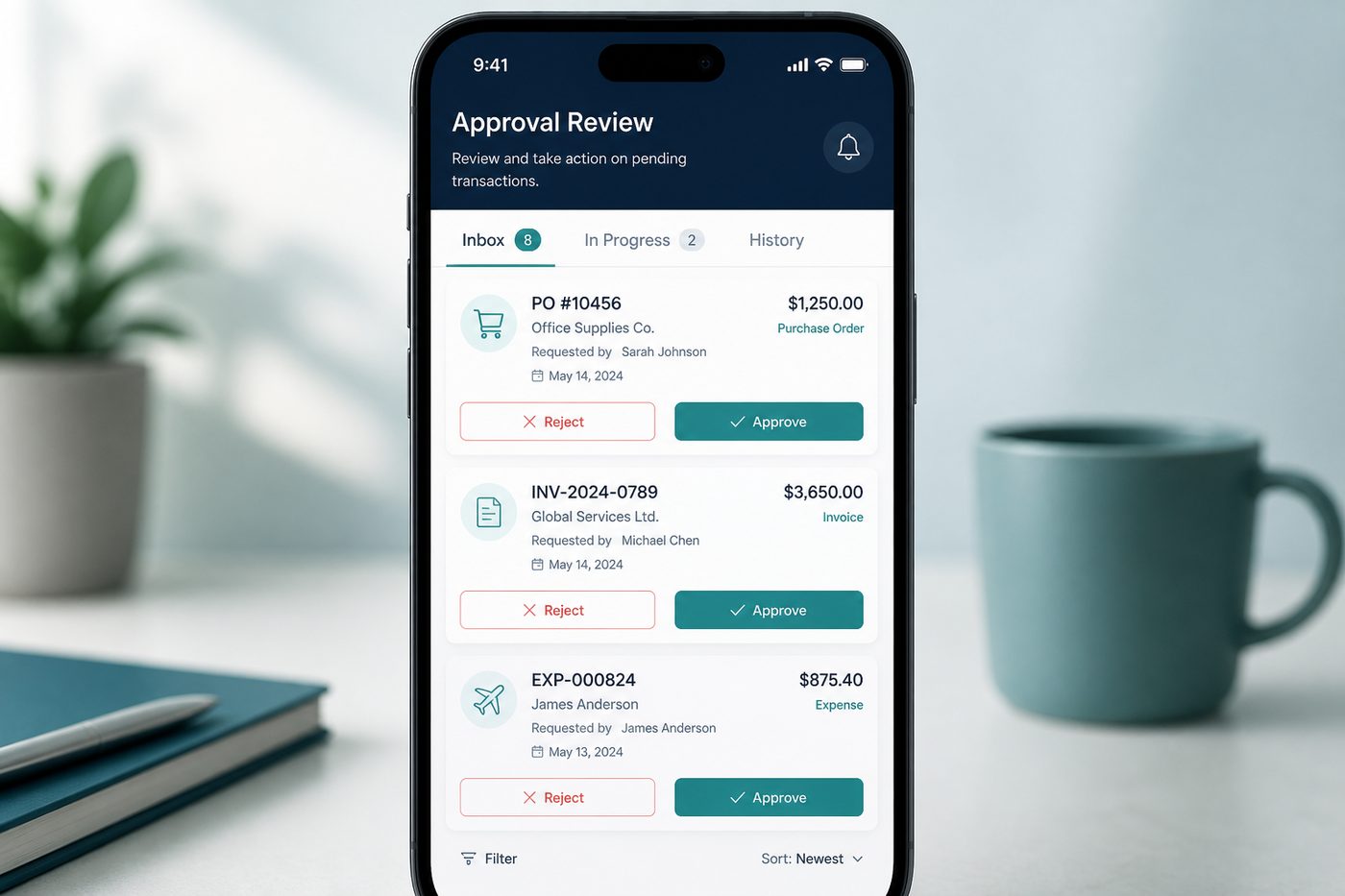
Unclear SMS land in review. Approve, reject, or edit before they become permanent entries.
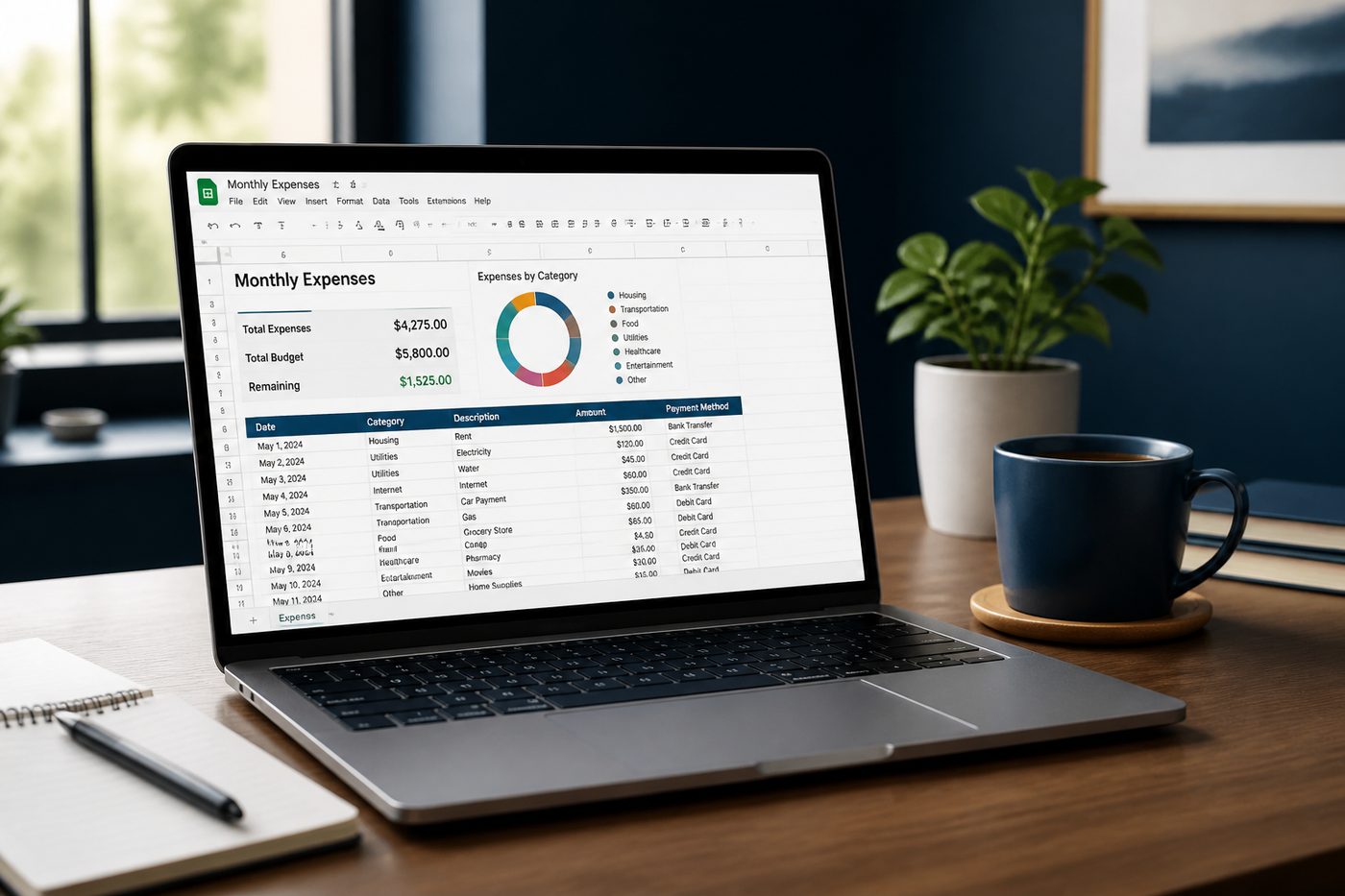
Auto-creates a Kharch Log folder and sheet in your Drive. Open it on web, export, or share with family.
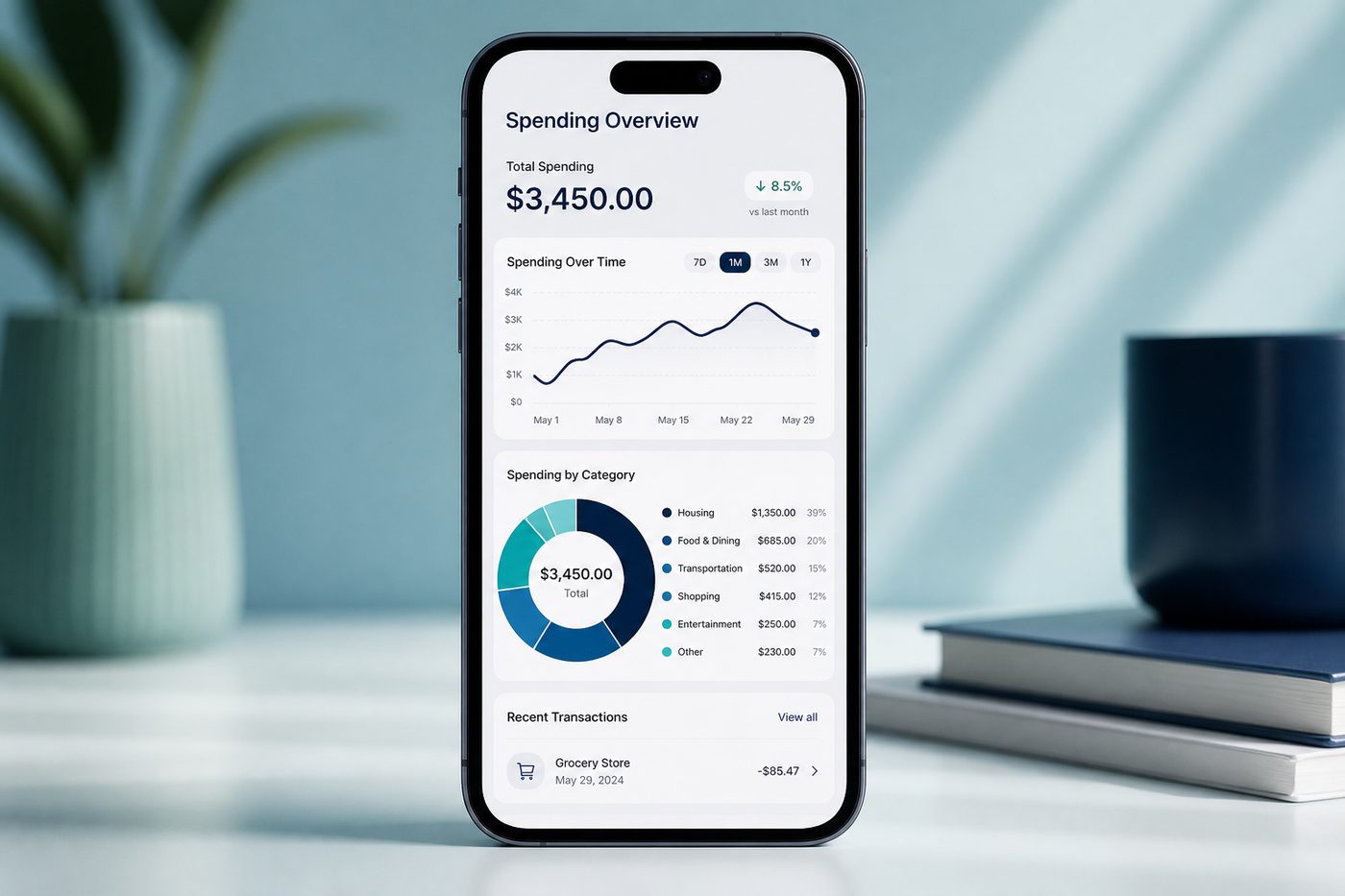
See today's spend at a glance, browse history, and break down categories when you need the bigger picture.
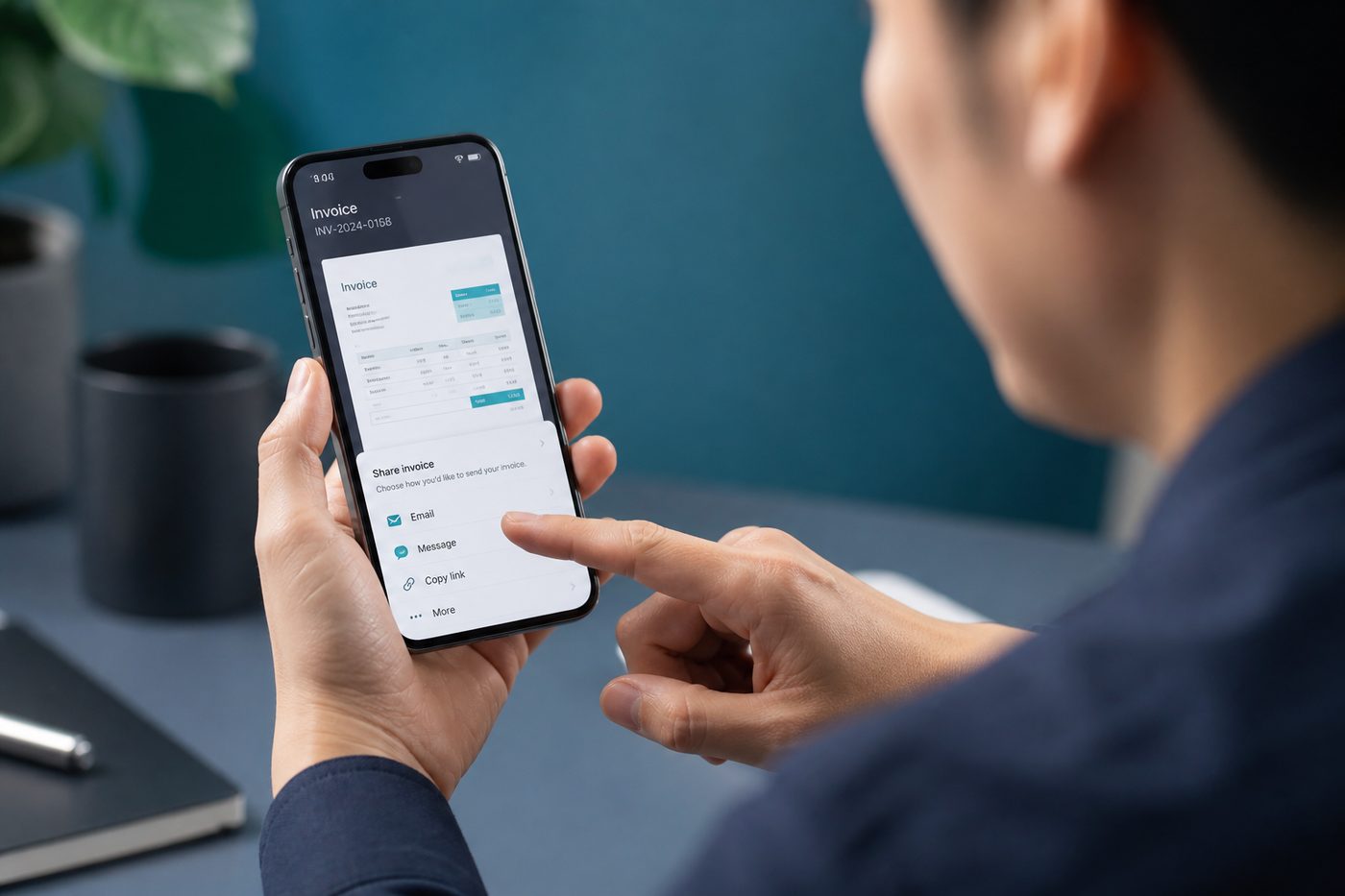
Share a transaction card or save a clean invoice PDF from the detail sheet - handy for reimbursements.
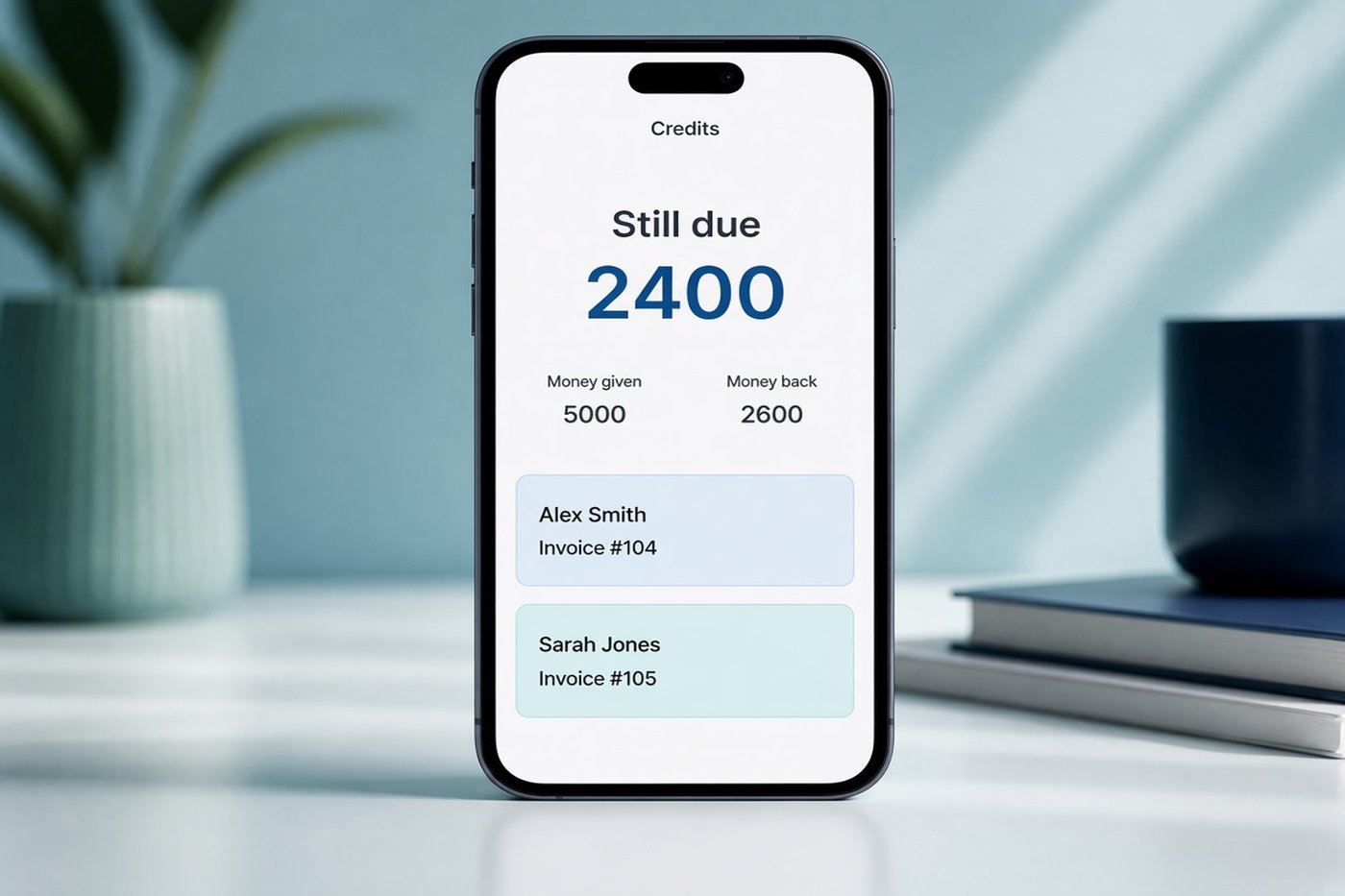
Keep track of money you have given, payments received, and what is still due. Add a return and share a bill.
Open Settings and pick a language. The whole app follows that choice. Names stay as they are: Kharch Log, Google, Android, WhatsApp, UPI.
Explore each feature in depth - SMS capture, Google Sheets sync, review inbox, reports, share, voice entry, and Credits.
Feature
Digitize spending the moment it happens. Fast forms and voice add keep your expense tracker accurate without spreadsheet busywork.
Feature
SMS permission is required for automatic capture from debit and credit alerts. Unclear messages go to the review inbox before they hit your Sheet.
Feature
Automation should never silently invent spending. Unclear messages wait for your decision - approve, reject, or edit first.
Feature
Your money book lives in your Google Drive. The Android app is the fast front-end; Sheets is the durable ledger.
Feature
Know where money went today - then zoom out to category trends when you need the bigger picture.
Feature
Turn a logged expense into something you can send - share card or branded invoice PDF from the detail sheet.
Feature
Keep track of money you have given, payments received, and what is still due.
Same keyword coverage as a long guide - folded into FAQs so the homepage stays scannable. Tap a question to expand.
Yes. Open Credits. It shows money given, money back, and what is still due. Add a return when they pay you, share a bill, and get a reminder on the due date. The rows also land on a Credits tab in your Google Sheet.
English, Hindi, Telugu, Urdu, Chinese, Japanese, Korean, French, Spanish, and German. Open Settings and pick one. The app follows that language. See the language list.
Looking for a free expense tracker that fits Indian UPI life? Kharch Log is a daily expense tracker and personal finance money book: log daily kharch, income, and cash; auto-capture bank/UPI SMS (SMS permission required); keep every row in a Google Sheets expense tracker you own. Lifetime unlock is ₹149 one-time - no monthly subscription.
Millions search for an expense tracker excel download, free excel expense tracker, best excel expense tracker, simple expense tracker excel, or excel sheet to track expenses. Templates like income and expense tracker excel, excel expense sheet, daily expenses excel sheet, and excel spreadsheet to track income and expenses feel safe - you own the file.
The problem is maintenance. An excel money tracker or excel finance tracker only works if you open the laptop every night. Miss three days of UPI and the sheet lies. Kharch Log keeps the same "own the spreadsheet" idea as a google sheets expense tracker / sheets expense tracker, but the Android app is the capture layer: manual, voice, and SMS auto-fill rows so your google sheet money tracker stays honest.
Why people love Excel: formulas/pivots (excel for tracking expenses), familiar budgets (budget and expense tracker excel), accountant exports (expense manager excel), one-time downloads (free monthly expense tracker excel sheet).
Why Sheets + Android wins daily: track expenses google sheets from phone; daily expense tracker google sheets + monthly expense tracker google sheets in one live file; finance tracker google sheets / google sheets budget tracker / google sheets spending tracker; export to Excel anytime.
Whether you typed daily expense tracker excel, daily spending tracker excel, weekly expense tracker excel, monthly expense tracker excel, monthly spending tracker excel, annual expense tracker excel, or yearly expense tracker excel - you need a rhythm you keep.
Kharch Log's Today view covers daily expenses excel habits on the phone. Your synced Sheet becomes the monthly income expense sheet excel workbook for month-end. Prefer Sheets wording? Use it as a google sheet monthly expense tracker, monthly spending tracker google sheets, or monthly budget tracker google sheets.
Income + expense: income expense tracker excel, income and expenses excel, daily income and expense excel sheet, excel income and expense tracker - Kharch Log logs both; Sheets handles pivots and savings rate.
Long-tail: personal expense tracker excel, personal expense tracker google sheets, personal finance tracker excel, personal finance tracker google sheets, family expense tracker excel, household expense tracker excel, home expense tracker excel, roommate expense tracker excel, split expenses google sheet.
Bills: excel bill tracker, bill payment tracker excel, bill tracker google sheets, google sheets bill tracker, monthly bill tracker google sheets, bill organizer excel - map to categories + payees; Sheet is the shared bill calendar.
Niche Excel ledgers (grocery, vehicle, medical, vacation, farm, company, credit card) become categories/tags while history stays exportable.
Searches like expense tracker excel india, monthly expense tracker excel india, and personal expense tracker excel india need UPI, cash, and EMI - not US-only templates. Kharch Log is a UPI expense tracker and bank SMS expense tracker: grant SMS permission, approve unclear alerts in review, keep an honest daily kharch log. That's the gap between a static personal expense excel sheet and a living phone + Sheet system.
1. Unlock & install - ₹149 lifetime, Google Play, Google sign-in.
2. Sheet created in your Google Drive. Kharch Log can only use the files it creates for you.
3. Log daily - manual/voice for cash; SMS for bank/UPI; review unclear messages.
4. Open Sheets anytime - your google spending tracker / google money tracker / google expense manager / expenses google sheets workbook.
5. Export .xlsx/.csv for accountants who still use an excel spreadsheet finance tracker.
Same product covers: best way to track expenses in excel, best way to track spending in excel, keeping track of expenses in excel, making an expense sheet in excel, simple money tracker excel, easy expense tracker excel, spend tracker excel, money tracking google sheets, transaction tracker google sheets. Shortcut: capture on phone -> analyse in Sheets/Excel.
Excel-only (expense tracker on excel, excel spending tracker spreadsheet) - max control, weak daily capture.
Closed budget app - easy UI; history locked if you leave; exports often paywalled.
Kharch Log - Android capture + google sheets personal expense tracker ownership + Excel export when needed.
If Reddit (expense tracker excel reddit / expense tracker google sheets reddit) said "just use a spreadsheet," keep that - add SMS + phone logging so the sheet stays complete. See Google Sheets sync, Sheets vs budget apps, all features.
No. Kharch Log is personal daily kharch - not Form 16, not ITR filing, not Tally. See Form 16 not needed and expense tracker India (no Form 16).
No bank login. Optional SMS capture on-device for UPI/bank alerts - PhonePe, GPay, Paytm debits land in one Sheet. No bank login - PhonePe / GPay tracker - SMS-only guide.
Install it from Google Play, then sign in with the same Google email you paid with. Install guide.
Daily expenses and income (manual or voice) - personal kharch - UPI/bank SMS when permitted - categories, payment modes, payees, notes - Today + category reports - shared household Sheet/Drive - budget-style reviews (best budget tracker excel habits in Sheets pivots).
More: blog - SMS auto-capture - pricing - glossary.
From install to your first logged expense - no Kharch Log account on our servers, just your Google login.
Unlock lifetime for ₹149, then install from Google Play. Requires Android 7+.
Kharch Log creates your sheet with limited Drive access - only files this app makes for you.
Grant SMS for auto-capture, add manually or by voice when needed. Review anything unclear, then sync.
Most budget apps lock your history on their cloud. We write to a sheet you already own.
You've scrolled this far
Lifetime access for less than a single evening meal out - ₹149 one-time. SMS capture, voice add, review inbox, and your own Google Sheet.
₹149 one-time - lifetime access
Straight answers for install, privacy, SMS, Sheets, and pricing. Full FAQ page ->
₹149 lifetime - one-time. Pay here, install from Google Play, sign in with the same Google email. No monthly fee.
Yes. After Google Sign-In, the app creates a Kharch Log folder and spreadsheet in your Drive and syncs expenses and income there.
Yes. Grant SMS permission and Kharch Log detects common Indian debit/credit messages. Unclear ones wait in the review inbox.
Yes - SMS permission is required for bank and UPI auto-capture. That is how Kharch Log reads payment alerts on your phone.
We don't store your expense ledger on a Kharch Log server - entries sync directly to your Google Sheet. See the Privacy Policy for Google Sign-In and SMS details. SMS is read on-device for auto-capture.
Now. Get lifetime access, then get it on Google Play and sign in with the same Google account you paid with.
Install from Google Play and try the app. Lifetime unlock is ₹149 one-time - no monthly fee. Built as a free-to-try daily expense tracker for Android in India with UPI SMS + Google Sheets.
Yes. Log personal kharch, cash, UPI, and income every day. SMS auto-capture fills gaps so small payments don't vanish from memory.
Same ownership idea as a free excel expense tracker or income and expense tracker excel - but live in Google Sheets. Log on Android, sync to Drive, open as a sheet or export to Excel. See Sheets sync.
Not yet. Android first. Your Google Sheet will still open on iPhone via the Sheets app if someone shares it with you.
Best free expense tracker for Android - daily kharch, UPI SMS, Google Sheets, lifetime ₹149.
Get lifetime - ₹149 GET IT ONGoogle Play
Questions? support@easypeeze.com